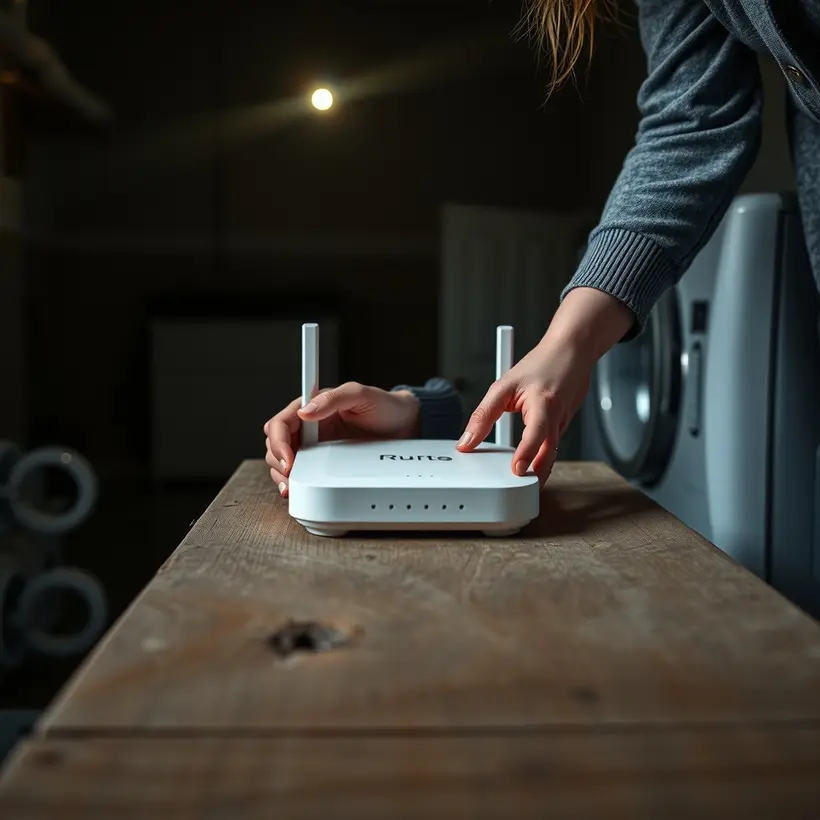
How do I set up a home network?Setting up a home network involves several steps. Here's a brief overview:
1. **Determine your needs**: Decide how many devices you want to connect (e.g., computers, smartphones, smart TVs).
2. **Choose a router**: Select a suitable Wi-Fi router that meets your needs (e.g., speed, range, number of devices).
3. **Set up the router**: Follow the manufacturer's instructions to configure the router, including setting the Wi-Fi name (SSID) and password.
4. **Connect devices**: Connect your devices to the network using Wi-Fi or Ethernet cables.
5. **Secure the network**: Change the default admin password, enable WPA2 encryption, and set up a guest network (if needed).
For a more detailed setup, I recommend checking the manufacturer's instructions or online resources like the router's support page.
Next step: Have you considered setting up a separate network for your IoT devices?
Why is my Wi-Fi slow?A slow Wi-Fi connection can be frustrating. Here are some common reasons:
1. **Distance from the router**: The farther you are from the router, the weaker the signal.
2. **Physical barriers**: Walls, furniture, and other obstacles can block or weaken the signal.
3. **Interference from other devices**: Other devices on the same frequency (2.4GHz) can cause interference.
4. **Outdated router or firmware**: Using an outdated router or firmware can slow down your connection.
5. **Too many devices connected**: The more devices connected to your network, the slower the connection.
To troubleshoot, try moving closer to the router, restarting your router, or switching to a different frequency (5GHz if available). If the issue persists, consider upgrading your router or seeking help from a network specialist. Would you like to try restarting your router or request a specialist to help you optimize your network?
How do I secure my router?Securing your router is crucial for protecting your home network. Here are some steps to follow:
1. **Change the default admin password**: Log in to your router and change the default admin password to a strong, unique one.
2. **Update your router's firmware**: Regularly check for firmware updates and install them to ensure you have the latest security patches.
3. **Enable WPA2 encryption**: Set up WPA2 encryption (or WPA3 if your router supports it) to secure your Wi-Fi network.
4. **Disable WPS**: Wi-Fi Protected Setup (WPS) can be a security risk, so disable it if you don't need it.
5. **Set up a guest network**: Create a separate guest network for visitors to prevent them from accessing your main network.
To take it a step further, consider:
* **Changing your router's admin username**: Make it harder for hackers to guess your login credentials.
* **Enabling MAC address filtering**: Restrict access to your network based on the MAC addresses of devices you trust.
Next step: Have you checked your router's documentation for specific instructions on how to implement these security measures?